Getting started with an earthli Application
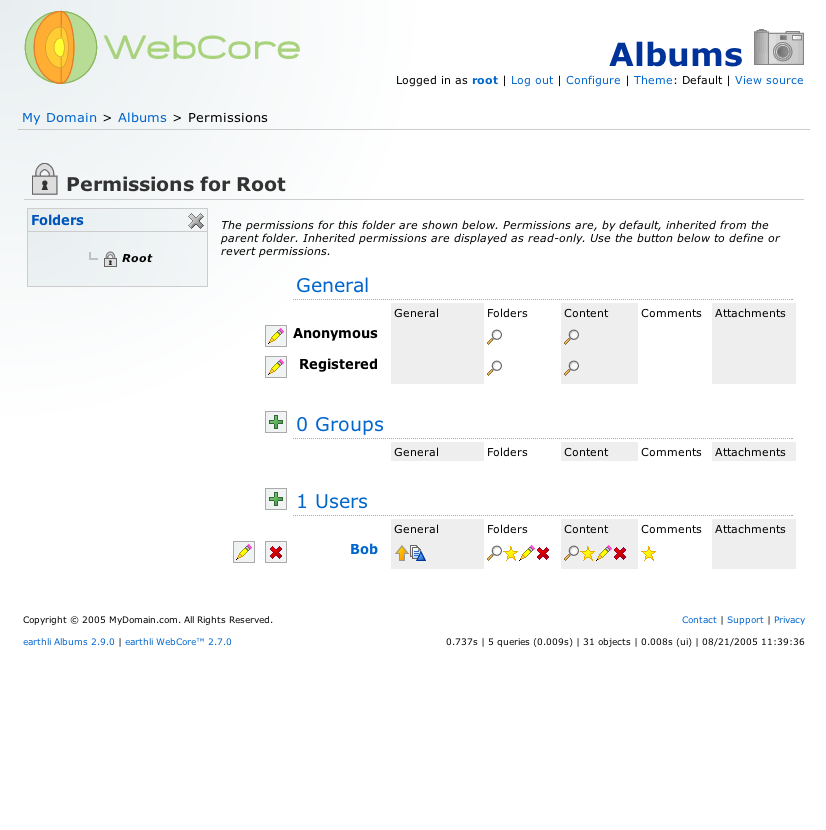
 (14) Security settings (all permissions added)
You’re back on the security settings page. Users who aren’t logged in can now see content in your application. Repeat the last two steps with the ‘Registered’ permissions to give the same rights to all logged-in users.
When you’re done, your settings should look like those in the screenshot.
Finally, let’s test our new user.
- Click ‘log out’ in the list of links at the top right of the page.