Getting started with an earthli Application
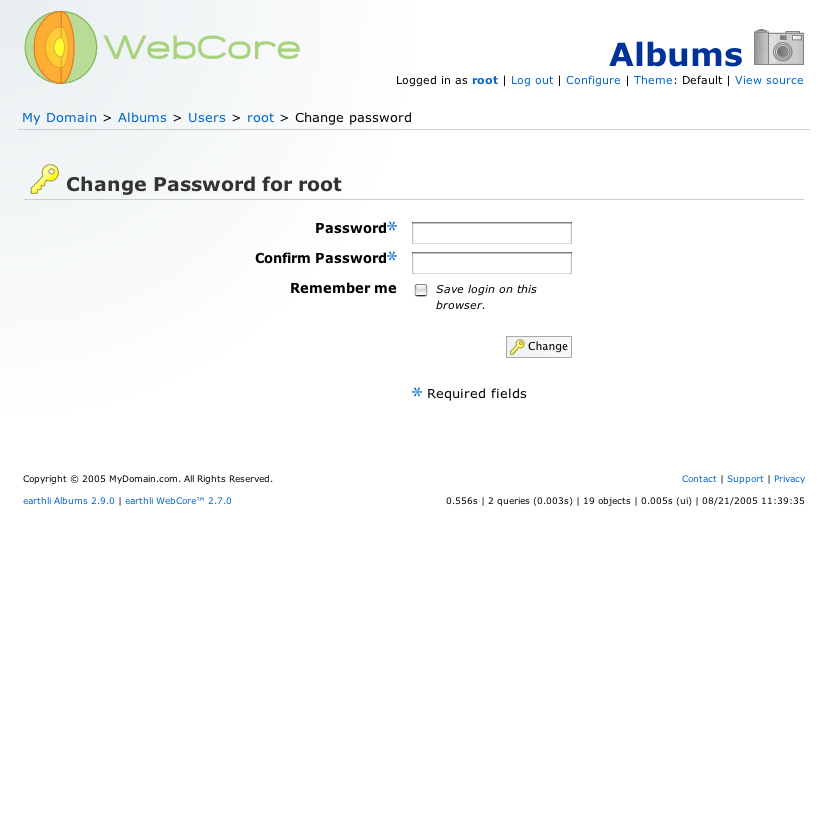
 (4) Change password
Select a new password for your root user. This user has rights to alter and update everything in your web site, by default. Choose a good password.
- Click ‘Change’ to save the new password and return to the root user home page.