Started for the First Time
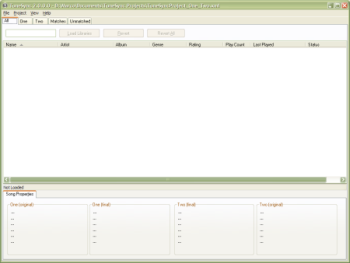
When you start TuneSync for the first time, it creates a default project with libraries named "One" and "Two", as shown in the screen shot below. (Don't worry if you've already got data loaded, you can still continue with the tutorial.)
Started for the First Time
Tutorial.xml, which is located right next to the program itself.Once the libraries are loaded, you're ready to start working with your TuneSync project.