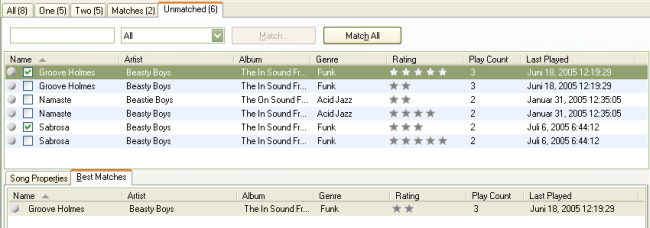
With 'Groove Holmes' Selected
To continue, make sure you're in the Unmatched view. At the bottom of the window, make sure that you've selected the Best Matches tab. If you don't see anything down there, make sure the Song Info Pane is showing.
With 'Groove Holmes' Selected
You should now see only four songs in the unmatched view.
Next: Matching Multiple Songs